
Sign in
Anyone with a SynkVault account can sign in. The sign-in page is at /auth.
Sign in with your email and password
Open the sign-in page
Go to your organisation's SynkVault address. If you are not signed in, SynkVault takes you to the Sign In page.
Enter your details
Type your Email and Password. The Sign In button stays disabled until both fields are valid.
Choose how long to stay signed in (optional)
Tick Remember me for 1 day to stay signed in on this device. Your session still ends after 8 hours of use or 30 minutes of inactivity, for security.
Select Sign In
If your account uses two-factor authentication, SynkVault asks for a code. See Two-factor verification.
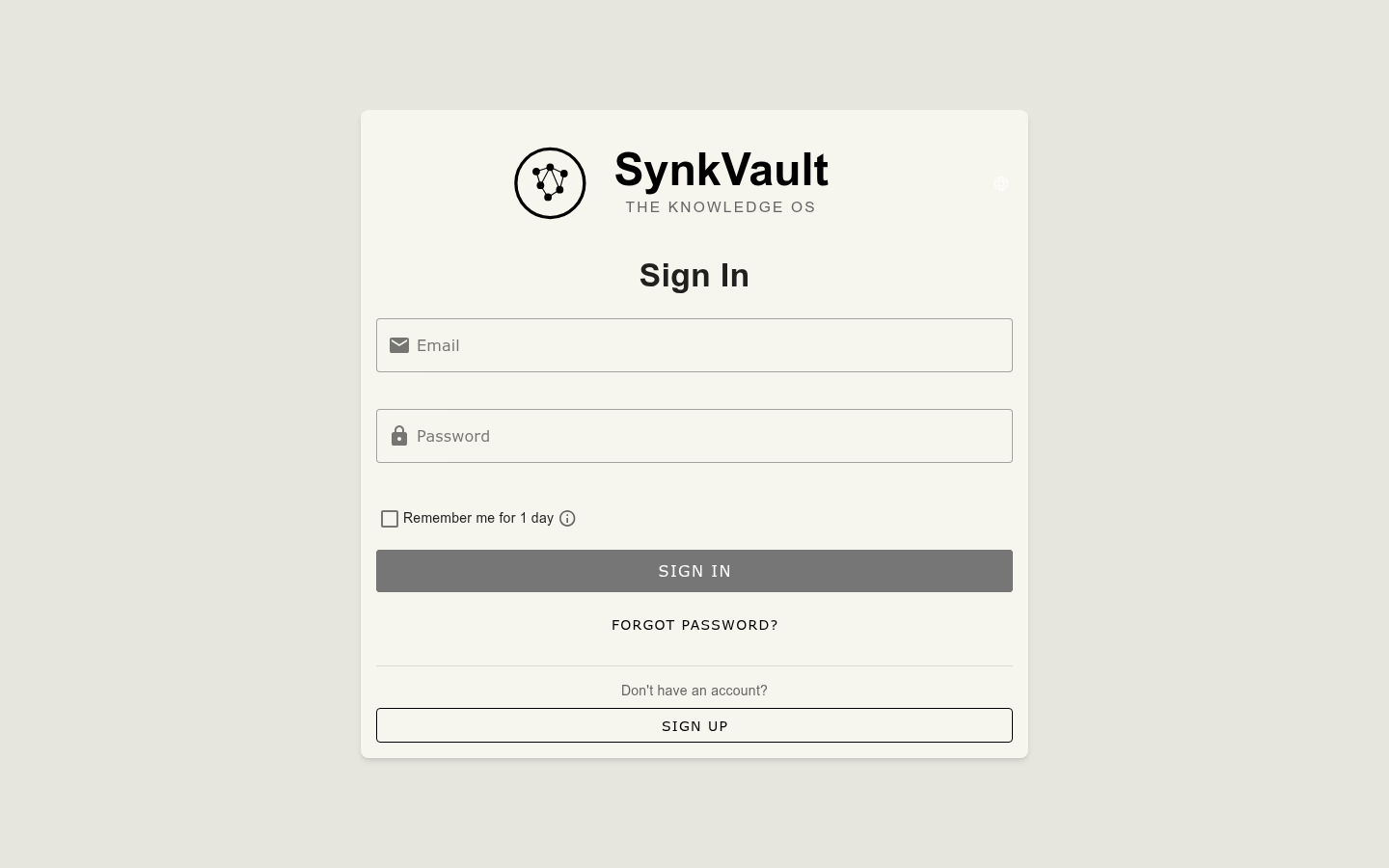
Forgot your password?
Select Forgot Password?
It is under the Sign In button.
Enter your email address
Type the email address of your account and select Send Reset Link.
Open the email
Look for an email from SynkVault and select the reset link. The link is valid for 1 hour. The email should arrive within a few minutes. If you do not see it, check your spam folder, or select Resend Email after the wait time ends.
Set a new password
Enter a New Password and Confirm New Password, then select Reset Password. When you see Password Reset Successful, select Continue to Login.
Two-factor verification
If you turned on two-factor authentication, SynkVault shows Two-factor authentication after your password. Enter the 6-digit code from your authenticator app to continue. If you close the prompt, sign-in does not finish: "Sign-in requires your authenticator code."
To turn two-factor authentication on or off, see Account settings.
Invitation links
If an administrator invites you, you receive an email with a link. The link opens Complete Your Profile, where you set your password and name. Select Complete Setup to finish. If the link has expired, SynkVault shows an error. Ask your administrator to send a new invitation.
If sign-in does not work
- Authentication Service Unavailable: the sign-in service has a problem. Select Retry or try again later.
- Access denied or You are not authorised to access this application: your account is not allowed to use this application. Contact your administrator.