
References
A reference is a shared definition that nodes can point to. Use one when the same group of values or properties appears in many places, such as a list of countries or a standard address block. Define it once and every node that uses it stays consistent.
Open Ontology then References (/ontology/References). This page is for Owners and Admins.
What the page shows
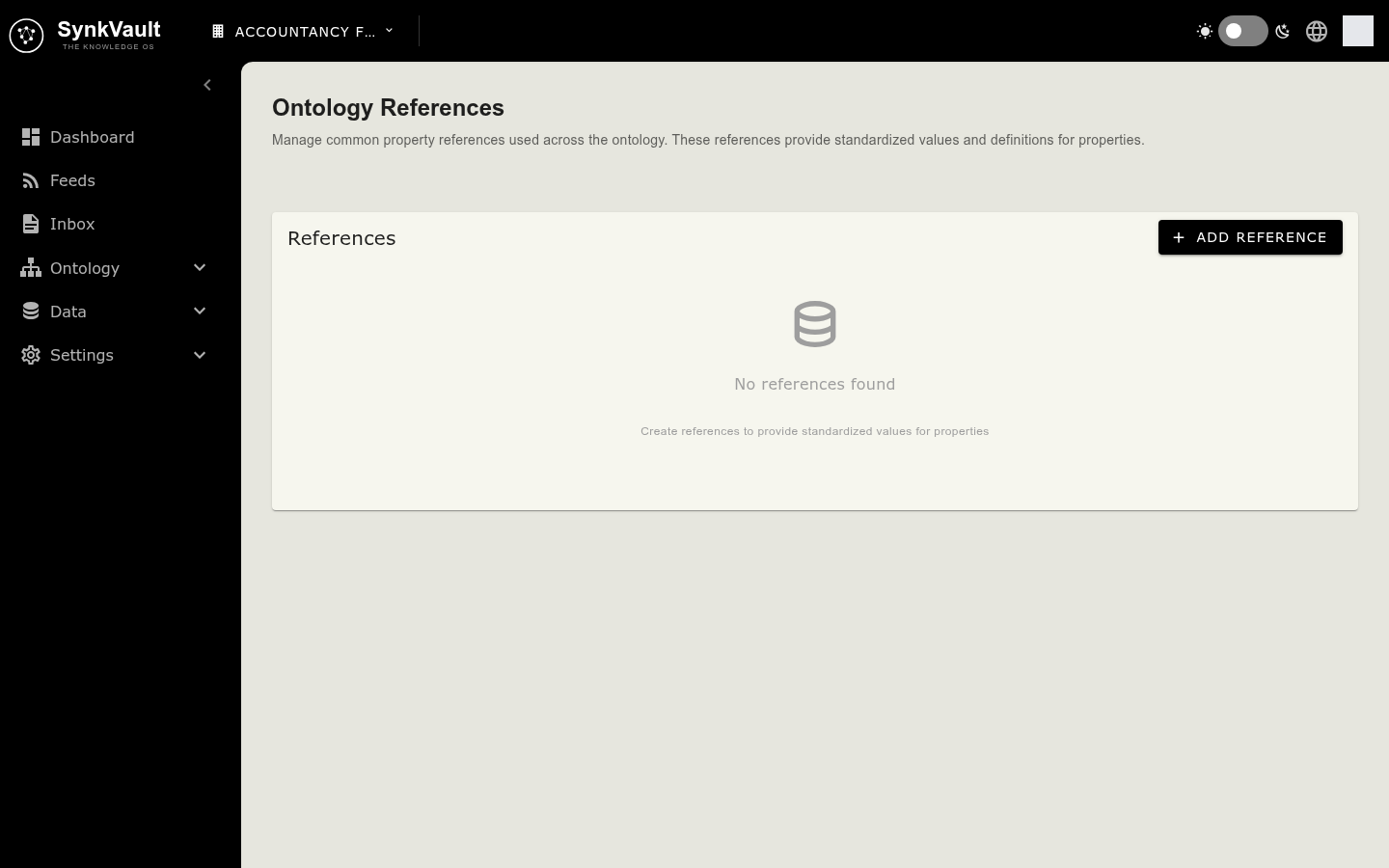
- A list of your references, each with its number of properties.
- Reference Details for the one you select: its Name, Properties Count and each property with its type, Required flag, and any Enum values or Options.
- An empty state, No references found, when you have none yet.
Create a reference
Open the form
Select Add Reference. The Create New Reference form opens.
Name it
Enter a Reference Name. It must start with a letter or underscore, contain only letters, numbers and underscores, and be at least two characters long. Names must be unique.
Add properties
Select Add Property. For each one, enter a Property Name (unique within the reference), choose a Property Type and a Property Category, and add a Description. For lists of allowed values, enter Options one per line.
Create
Select Create. A message confirms "Reference created successfully".
Edit or delete a reference
Use the edit and delete icons next to a reference. Editing opens Edit Reference, with an Update button. Deleting asks you to confirm, and the action cannot be undone.
Use a reference
In a node's Own Properties tab, choose the Static Reference category for a property and pick the reference. See Nodes and properties.