
API keys
Create a service account and an API key for programs that call SynkVault.
An API key lets a program call the REST API without a person signing in. You create keys as service accounts.
Who can use it: Owner and Admin. To open the API Keys page, open the avatar menu, choose My Account, then select API Keys in the left menu.
See your keys
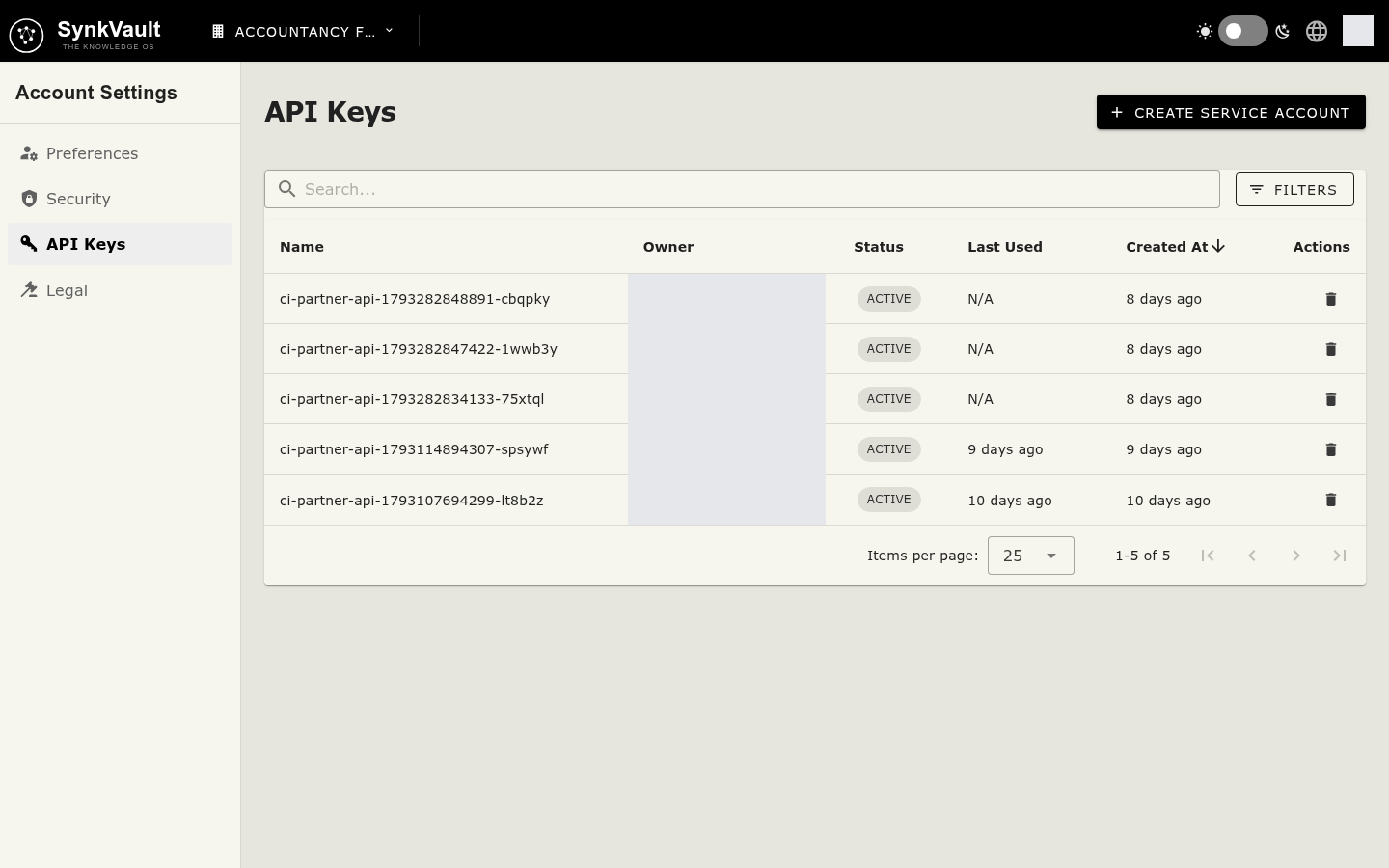
The table lists each key with its Name, Owner, Created At, Last Used and Status. Use My Keys Only to show only the keys you created, or the search box to find one.
Create a service account
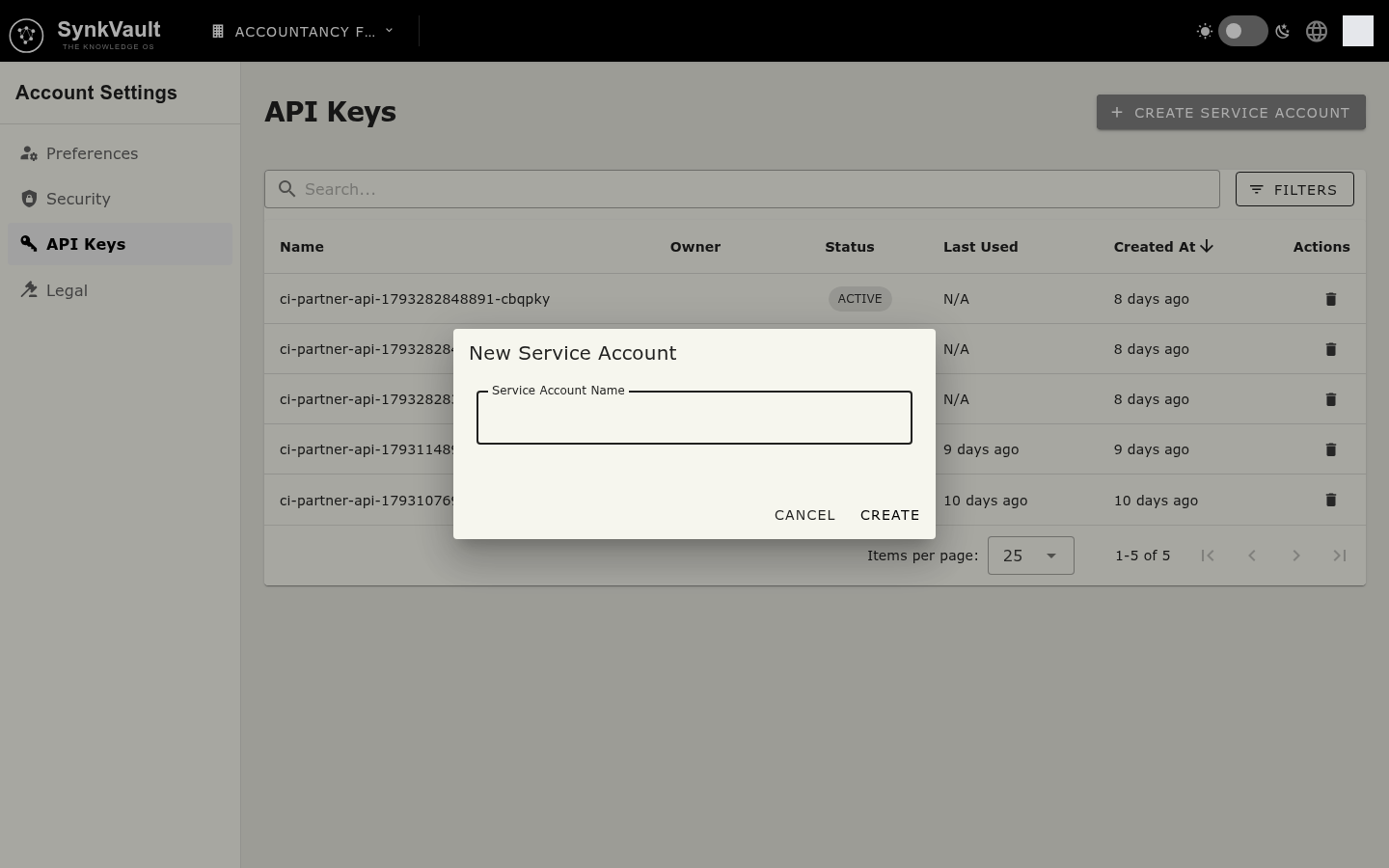
- Select Create Service Account.
- In New Service Account, enter a Service Account Name. The name is required.
- Select Create.
- In API Key Created, copy the key with Copy Key or the copy icon, then select Close.
Copy your API key now. You will not be able to see it again. Treat this key like a password. Never share it, post it in chat or store it in code.
Delete a key
You can delete keys that you created. Select the bin icon on the row, then confirm Delete in Delete API Key. Programs that use the key can no longer sign in.